















Managing time zones can be a daunting task, especially when working abroad. Whether you’re a digital nomad, an expat, or a remote worker, navigating different time zones can be challenging. In this article, we’ll provide you with practical tips and strategies to help you manage time zones effectively, ensuring that you stay productive, efficient, and connected with your team and clients.
Understanding Time Zones
Before we dive into the tips, it’s essential to understand how time zones work. A time zone is a region on Earth that follows a uniform standard time, usually based on the mean solar time at a specific meridian. There are 24 time zones in total, each representing a one-hour difference from Coordinated Universal Time (UTC). Time zones are identified by their offset from UTC, ranging from UTC-12 (which is 12 hours behind UTC) to UTC+12 (which is 12 hours ahead of UTC).
Tip 1: Identify Your Time Zone and the Time Zones of Your Team and Clients
When working abroad, it’s crucial to know your current time zone and the time zones of your team and clients. This will help you schedule meetings, calls, and deadlines accordingly. You can use online tools like WorldTimeBuddy or TimeAndDate to find the current time in different time zones.
For example, let’s say you’re working in Tokyo, Japan (UTC+9), and you have a meeting with a client in New York, USA (UTC-5). You need to schedule the meeting at a time that works for both parties. Using an online tool, you find that 10:00 AM in Tokyo is equivalent to 8:00 PM in New York. You can then schedule the meeting at 10:00 AM Tokyo time, which is convenient for both you and your client.
Tip 2: Use a World Clock or Time Zone Converter
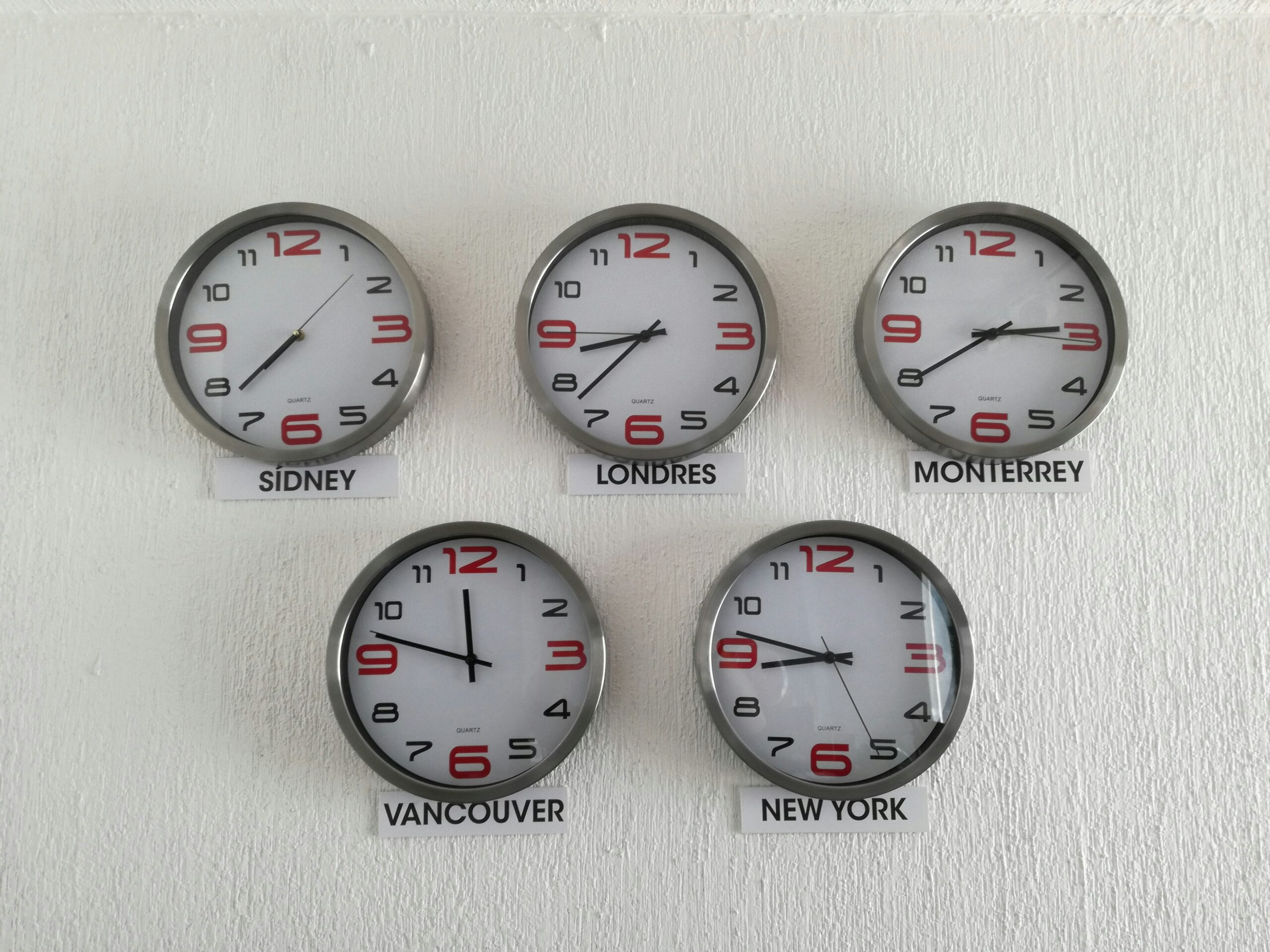
A world clock or time zone converter is a handy tool that helps you keep track of different time zones. You can use a physical clock or a digital app like World Clock or Time Zone Converter. These tools allow you to set multiple time zones and see the current time in each zone.
For instance, you can set your world clock to display the time in Tokyo, New York, and London. This way, you can easily see the current time in each zone and schedule your tasks and meetings accordingly.
Tip 3: Set Your Devices to the Correct Time Zone
Make sure your devices, including your laptop, smartphone, and tablet, are set to the correct time zone. This will ensure that your calendars, reminders, and notifications are accurate and synchronized.
To set your device to the correct time zone, follow these steps:
- On a Windows laptop, go to Settings > Time & Language > Date & Time.
- On a Mac laptop, go to System Preferences > Date & Time.
- On an iPhone or iPad, go to Settings > General > Date & Time.
- On an Android device, go to Settings > Date & Time.
Tip 4: Use Scheduling Tools and Calendars
Scheduling tools and calendars are essential for managing time zones. Use online calendars like Google Calendar, Microsoft Outlook, or Apple Calendar to schedule meetings, appointments, and deadlines. These tools allow you to set reminders, invite others, and share calendars.
For example, you can use Google Calendar to schedule a meeting with a team member in London. You can set the meeting time to 2:00 PM London time, which is equivalent to 10:00 AM Tokyo time. Google Calendar will automatically adjust the time zone and send reminders to both parties.
Tip 5: Establish a Routine and Stick to It
Establishing a routine is crucial when working abroad. Set your work hours, breaks, and personal time to ensure that you stay productive and connected with your team and clients.
For instance, you can set your work hours from 9:00 AM to 5:00 PM Tokyo time, with a one-hour lunch break at 12:00 PM. You can then schedule your personal time from 6:00 PM to 9:00 PM, allowing you to relax and recharge.
Tip 6: Communicate with Your Team and Clients
Effective communication is key to managing time zones. Make sure you communicate your time zone and availability to your team and clients. This will help them understand your schedule and plan accordingly.
For example, you can send an email to your team and clients stating your time zone and work hours. You can also set up an autoresponder on your email or messaging apps to notify others of your time zone and availability.
Tip 7: Be Flexible and Adaptable
Finally, be flexible and adaptable when working abroad. Time zones can be challenging, and unexpected issues may arise. Be prepared to adjust your schedule or work hours to accommodate different time zones.
For instance, you may need to attend a meeting at an unusual hour or adjust your work schedule to accommodate a client’s needs. By being flexible and adaptable, you can ensure that you stay productive and connected with your team and clients.
Conclusion
Managing time zones when working abroad can be challenging, but with the right strategies and tools, you can stay productive, efficient, and connected with your team and clients. By identifying your time zone and the time zones of your team and clients, using a world clock or time zone converter, setting your devices to the correct time zone, using scheduling tools and calendars, establishing a routine, communicating with your team and clients, and being flexible and adaptable, you can overcome the challenges of time zones and achieve success in your international endeavors. Remember to stay organized, plan ahead, and be open to adjustments to ensure that you thrive in your global work environment.























Leave a Reply
You must be logged in to post a comment.