



















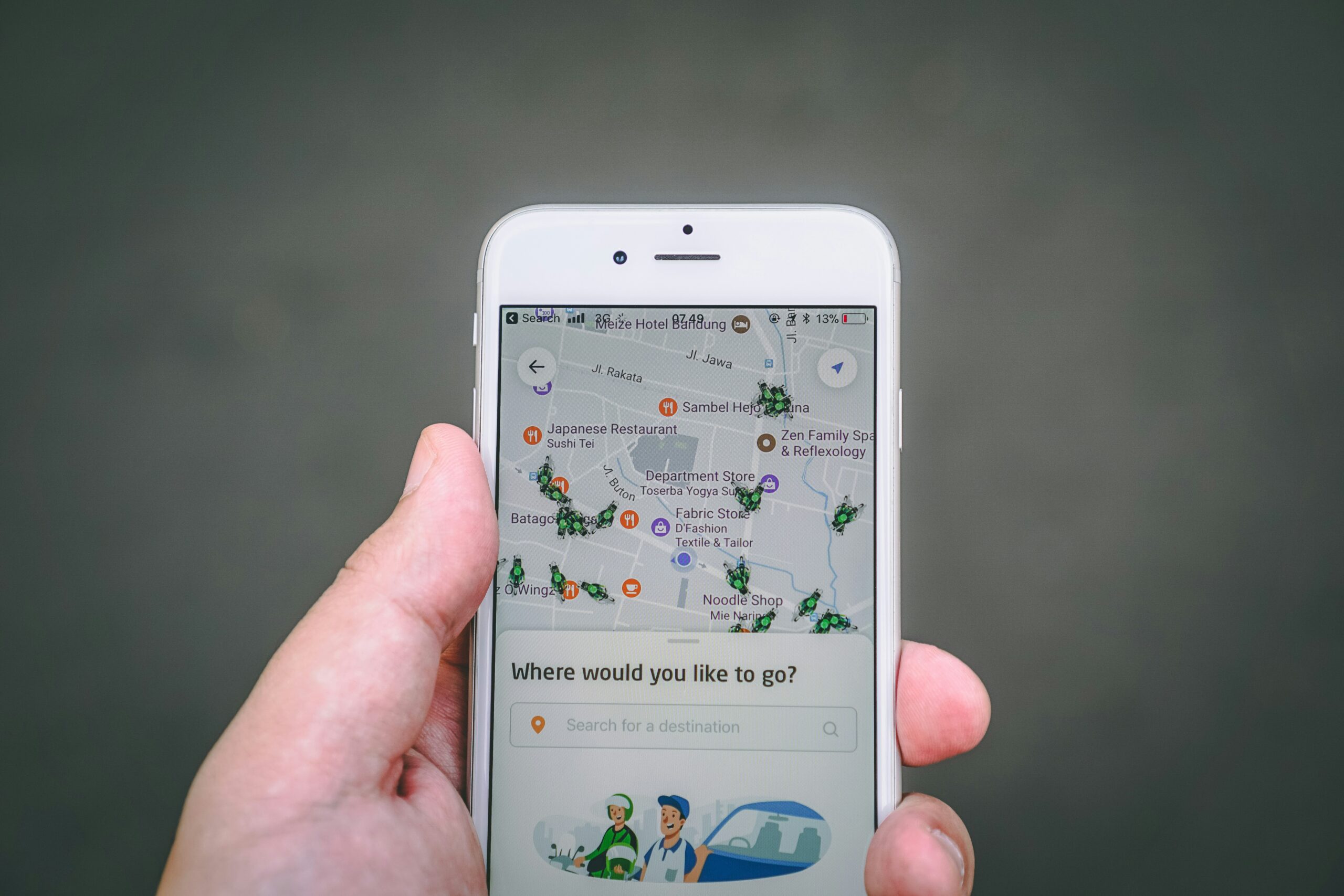
In today’s digital age, planning a trip has become easier than ever. With a plethora of travel apps available, you can effortlessly book flights, hotels, and activities, as well as navigate unfamiliar destinations. But with so many options, it can be overwhelming to know where to start. In this article, we’ll show you how to use travel apps for efficient trip planning, helping you save time, money, and stress.
Step 1: Choose the Right Apps
Before you begin planning your trip, it’s essential to select the right travel apps. Here are some popular options:
- Flight Booking: Skyscanner, Kayak, or Google Flights for finding the cheapest flights
- Accommodation: Booking.com, Hotels.com, or Airbnb for booking hotels, hostels, or apartments
- Itinerary Building: TripIt, Google Trips, or Roadtrippers for organizing your daily schedule
- Navigation: Google Maps, Citymapper, or Rome2rio for getting around unfamiliar cities
- Activities: Viator, GetYourGuide, or TripAdvisor for booking tours and activities
Step 2: Set Up Your Trip
Once you’ve chosen your apps, it’s time to set up your trip. Here’s how:
- Enter Your Travel Dates: Input your travel dates into your chosen flight booking app to find the best deals.
- Book Your Accommodation: Use your accommodation app to book a hotel, hostel, or apartment that suits your budget.
- Create an Itinerary: Use your itinerary building app to create a daily schedule, including flight details, accommodation, and activities.
Step 3: Plan Your Activities
Now it’s time to plan your activities. Here’s how:
- Research Top Attractions: Use travel guides, blogs, or social media to research top attractions and activities in your destination.
- Book Tours and Activities: Use your activities app to book tours, museums, or other activities in advance.
- Add to Your Itinerary: Add your booked activities to your daily schedule, ensuring you have enough time for each activity.
Step 4: Navigate Your Destination
When you arrive at your destination, it’s essential to navigate efficiently. Here’s how:
- Download Offline Maps: Download offline maps of your destination using Google Maps or Citymapper to avoid data roaming charges.
- Use Public Transport: Research public transport options and use your navigation app to plan the best routes.
- Find Local Eats: Use food apps like Yelp or Zomato to find local restaurants, cafes, and bars.
Step 5: Stay Organized
To ensure a stress-free trip, stay organized by:
- Keeping Your Itinerary Up-to-Date: Regularly update your itinerary with any changes or cancellations.
- Setting Reminders: Set reminders for flight check-ins, hotel reservations, and activity bookings.
- Backing Up Your Data: Back up your travel documents, itinerary, and app data to ensure you have access to important information in case of an emergency.
Bonus Tips:
- Use Travel Rewards Credit Cards: Use travel rewards credit cards to earn points or miles that can be redeemed for flights, hotels, or activities.
- Take Advantage of App Features: Take advantage of app features like price alerts, travel insurance, or luggage tracking to make your trip more efficient.
- Be Flexible: Be flexible with your travel plans, and don’t be afraid to make changes if something doesn’t go as planned.
By following these steps and using the right travel apps, you can plan an efficient and stress-free trip. Remember to stay organized, be flexible, and take advantage of app features to make the most of your travels. Happy travels!
























Leave a Reply
You must be logged in to post a comment.