

















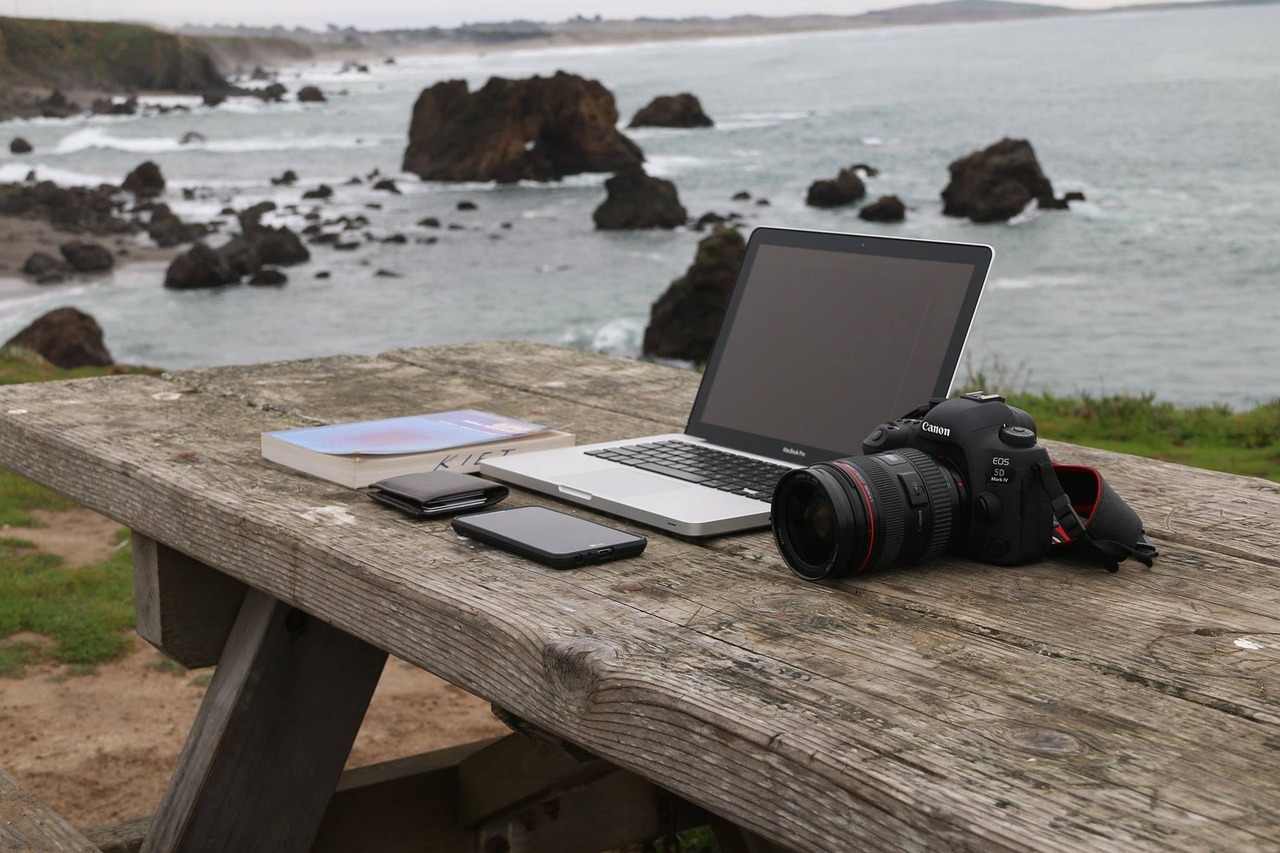
As remote work becomes the new norm, many of us find ourselves working from coffee shops, co-working spaces, or even our own backyards. While the flexibility is liberating, it can also be challenging to stay productive and organized on-the-go. A well-packed mobile office setup can make all the difference. In this article, we’ll show you how to assemble a portable workspace that allows you to work efficiently and effectively anywhere, anytime.
Section 1: The Essentials
When building your mobile office, start with the essentials. These are the must-haves that will enable you to work comfortably and efficiently:
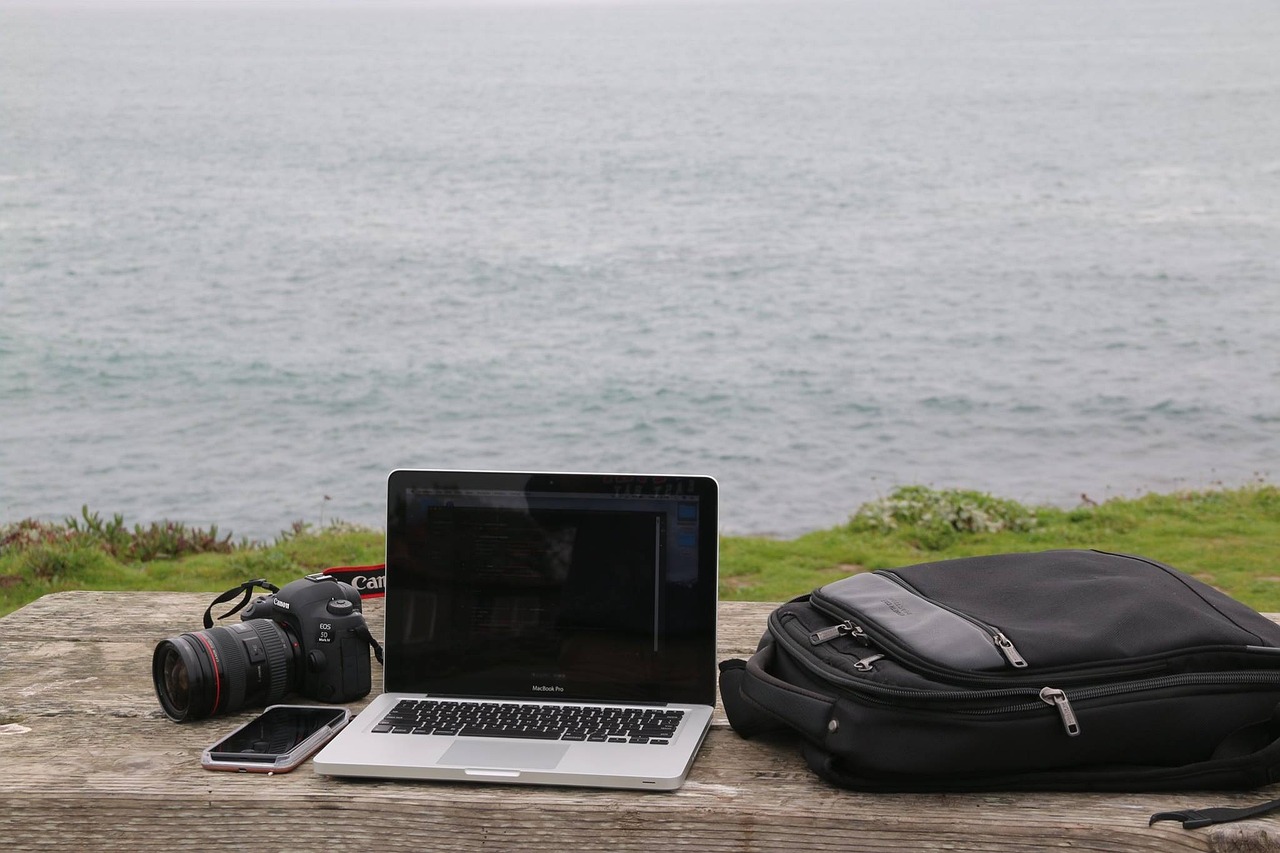
- A lightweight laptop or tablet: This is the brain of your mobile office. Choose a device that is portable, reliable, and has a long battery life.
- A compact keyboard: A portable keyboard can help you type faster and more accurately. Look for one that is foldable or collapsible to save space.
- A reliable internet connection: Invest in a portable Wi-Fi hotspot or a phone with a strong data signal to ensure you stay connected.
- A power bank: A portable power bank can charge your devices on the go, saving you from the hassle of finding an outlet.
Section 2: The Comfort Zone
While functionality is crucial, comfort is equally important when working on the go. Consider adding these items to your mobile office setup:
- A comfortable and compact chair: Invest in a lightweight, foldable chair that provides adequate back support.
- A noise-cancelling headphone: Noise-cancelling headphones can help you focus and block out distractions in noisy environments.
- A small desk or lap desk: A compact desk or lap desk can provide a stable surface for your laptop and help you maintain good posture.
Section 3: Organization and Storage
A cluttered and disorganized workspace can hinder productivity. Here are some tips to help you stay organized on the go:
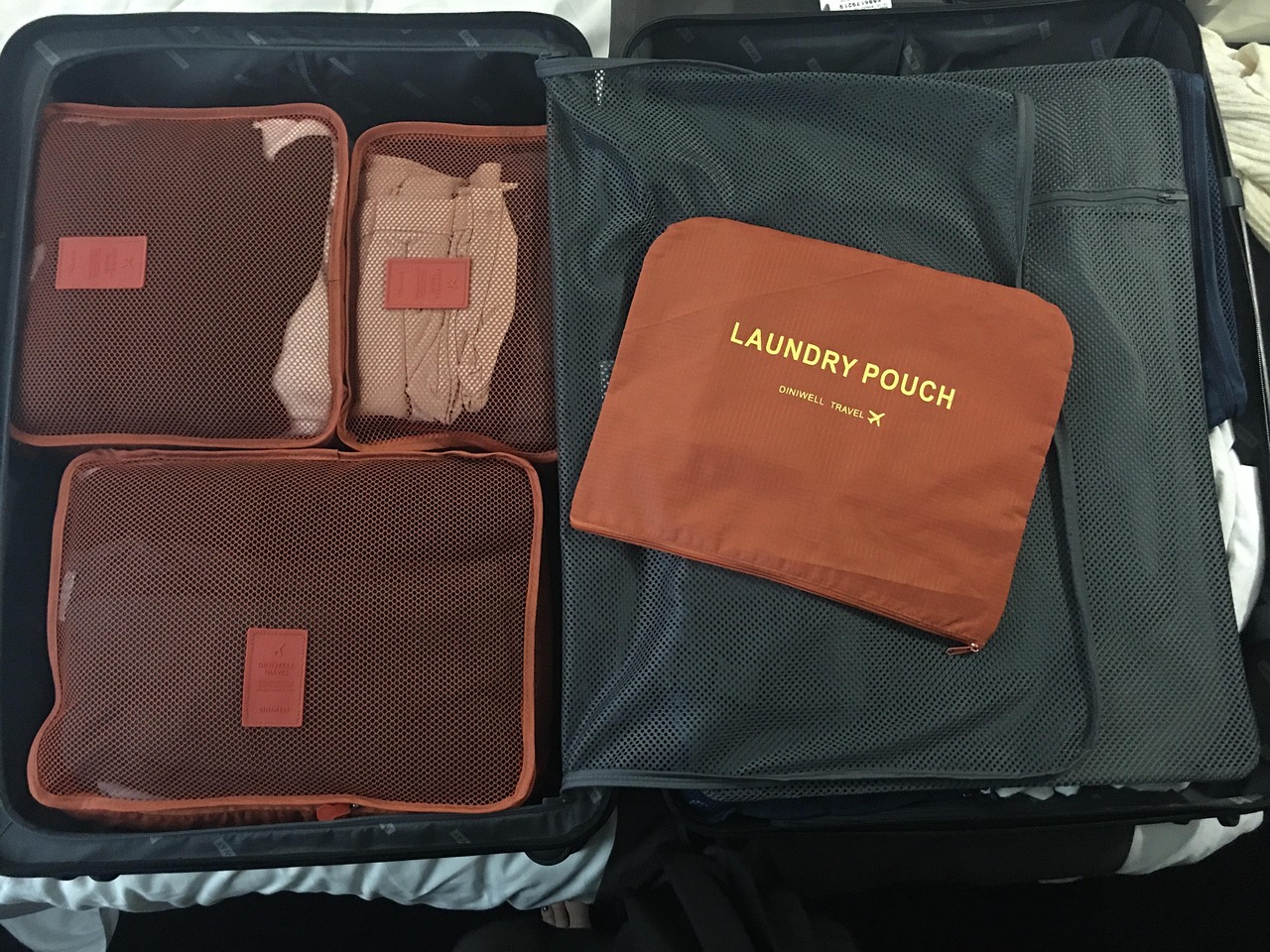
- Invest in a portable storage bag: Look for a bag that has multiple compartments and pockets to store your devices, cables, and documents.
- Use a cable organizer: A cable organizer can keep your cables tidy and prevent tangles.
- Keep essential documents digital: Scan and digitize important documents to free up physical storage space.
Section 4: Productivity Tools
To stay productive on the go, consider adding these tools to your mobile office setup:
- A task management app: Apps like Trello, Asana, or Todoist can help you stay organized and focused.
- A cloud storage service: Cloud storage services like Google Drive, Dropbox, or Microsoft OneDrive allow you to access your files from anywhere.
- A portable printer: A compact printer can help you print documents or invoices on the go.
Section 5: Personal Touches
Finally, don’t forget to add some personal touches to your mobile office setup. These can help you stay motivated and inspired:
- A favorite mug or water bottle: Bringing a personal item can make you feel more at home in a new environment.
- A small plant: A small plant can add some greenery to your workspace and purify the air.
- A motivational quote or image: Displaying a motivational quote or image can help you stay focused and motivated.
Conclusion
With these essentials, comfort items, organizational tools, productivity apps, and personal touches, you can create a mobile office setup that works anywhere. Remember to prioritize functionality, comfort, and organization when building your portable workspace. By following these steps, you’ll be able to stay productive, efficient, and inspired, no matter where your work takes you. Happy working!

























Leave a Reply
You must be logged in to post a comment.